

宣布 Tauri 1.5.0

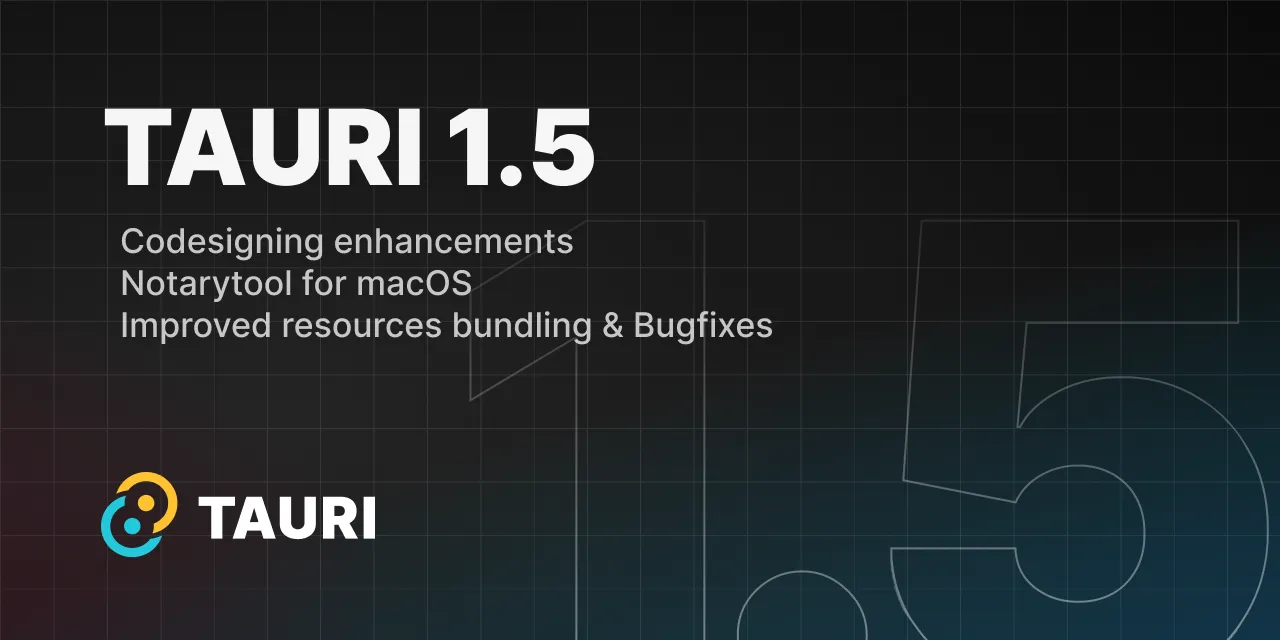
Tauri 团队很高兴地宣布 1.5 版本的发布。该版本包括多个新功能和重要的错误修复,例如改进的资源打包、代码签名增强、macOS 上的 notarytool 迁移以及对 Bun 的支持。
🌐 The Tauri team is excited to announce the 1.5 release. This version includes several new features and important bug fixes such as improved resources bundling, code signing enhancements, notarytool migration on macOS and Bun support.
🌐 Upgrading
确保将 NPM 和 Cargo 的依赖都更新到 1.5.0 版本。你可以使用以下命令更新依赖:
🌐 Make sure to update both NPM and Cargo dependencies to the 1.5.0 release. You can update the dependencies with:
npm install @tauri-apps/cli@latest @tauri-apps/api@latestyarn upgrade @tauri-apps/cli @tauri-apps/api --latestpnpm update @tauri-apps/cli @tauri-apps/api --latestcargo update1.5.0 有什么更新
Section titled “1.5.0 有什么更新”🌐 What’s in 1.5.0
🌐 Notarytool
在 WWDC 2021 上,苹果推出了 notarytool,这是一个与苹果公证服务交互的新工具。在 1.5 版本发布之前,Tauri 使用 altool 来为你的应用进行公证,但该工具已被弃用,并将在 2023-11-01 之后停止用于公证。你必须在此之前将 Tauri CLI 升级到 1.5。
🌐 At WWDC 2021 Apple introduced notarytool, a new tool for interacting with the Apple notary service. Before the 1.5 release, Tauri used altool to notarize your application, but that tool has been deprecated and will stop working for notarization on 2023-11-01. You must upgrade your Tauri CLI to 1.5 before that.
如果你使用 API 密钥进行公证服务的身份验证,notarytool 将不再自动搜索你的 API 密钥 .p8 文件。我们建议用户通过 APPLE_API_KEY_PATH 环境变量定义其路径,但为了避免破坏性更改,如果你未设置环境变量,我们会执行与 altool 相同的查找操作来找到你的密钥文件。未来,这可能会发生变化,因此请相应调整你的发布流程。
🌐 If you are using API keys for authentication with the notary service, notarytool no longer automatically searches for your APi key .p8 file.
We recommend users to define its path via the APPLE_API_KEY_PATH environment variable, though to avoid breaking changes we perform the same lookup done by altool to find your key file in case you did not set the environment variable.
In the future, this might change, so please adjust your publish pipelines accordingly.
🌐 Bun support
Tauri CLI 现在支持 Bun 包管理器。
🌐 The Tauri CLI now supports the Bun package manager.
我们要感谢 @colinhacks 提交此功能的拉取请求!
🌐 We would like to thank @colinhacks for submitting the pull requests for this feature!
代码签名改进
Section titled “代码签名改进”🌐 Code signing improvements
从 Tauri 1.5 开始,我们的打包工具现在会签署所有可执行文件(包括辅助进程、应用可执行文件和 NSIS 卸载程序)以及 macOS 框架。
我们还改进了公证算法,添加了对 APPLE_TEAM_ID 环境变量的支持,以便在你属于多个团队的情况下正确定义与你的账户关联的团队 ID。
🌐 Starting on Tauri 1.5, our bundler now signs all executables (including sidecars, app executables and NSIS uninstaller) and macOS frameworks.
We also improved our notarization algorithm adding support to the APPLE_TEAM_ID environment variable to properly define the team ID associated with your account in case you belong to multiple teams.
我们要感谢 @tr3ysmith 提交这个功能的拉取请求!
🌐 We would like to thank @tr3ysmith for submitting the pull requests for this feature!
macOS 框架
Section titled “macOS 框架”🌐 macOS frameworks
此版本通过对你通过 tauri.conf.json > tauri > bundle > macOS > frameworks 注入的所有自定义框架进行代码签名,并定义 @rpath 值,从而增强了对 macOS 框架的支持,同时修复了更新应用时的崩溃问题。
🌐 This release comes with enhanced macOS frameworks support by code signing all custom frameworks you inject via tauri.conf.json > tauri > bundle > macOS > frameworks and defining the @rpath value fixing a crash when updating your app.
我们要感谢 @tr3ysmith 提交这个功能的拉取请求!
🌐 We would like to thank @tr3ysmith for submitting the pull requests for this feature!
Windows上的混合内容
Section titled “Windows上的混合内容”🌐 Mixed content on Windows
我们现在提供一个配置选项,可以将我们在 Windows 上的自定义协议切换为使用 http 方案,而不是 https。这会降低你在 Windows 上应用的安全性,因为它允许连接到不安全的端点,例如 ws://url,但它与 Linux 和 macOS 自定义协议的行为一致。要启用它,请将 tauri.conf.json > tauri > security > dangerousUseHttpScheme 设置为 true。
🌐 We now offer a configuration option to switch our custom protocol on Windows to use the http scheme instead of https.
This reduces the security of your application on Windows since it allows connecting to insecure endpoints such as ws://url,
but it matches the behavior on Linux and macOS custom protocols. To enable it, set the tauri.conf.json > tauri > security > dangerousUseHttpScheme to true.
🌐 Other changes
查看完整的更改列表:
🌐 Check out the entire list of changes:
Tauri 中文网 - 粤ICP备13048890号
Nodejs.cn 旗下网站