

启动画面
在这个实验中,我们将会在 Tauri 应用中实现一个基本的启动画面功能。实现起来非常简单,启动画面实际上只是创建一个新窗口,在应用执行一些繁重的初始化任务期间显示一些内容,然后在初始化完成后关闭它。
🌐 In this lab we’ll be implementing a basic splashscreen functionality in a Tauri app. Doing so is quite straight forward, a splashscreen is effectively just a matter of creating a new window that displays some contents during the period your app is doing some heavy setup related tasks and then closing it when setting up is done.
🌐 Prerequisites
🌐 Steps
-
安装依赖并运行项目
Section titled “安装依赖并运行项目”在开始开发任何项目之前,先构建并运行初始模板很重要,这只是为了验证你的环境设置是否按预期工作。
# Make sure you're in the right directorycd splashscreen-lab# Install dependenciespnpm install# Build and run the apppnpm tauri dev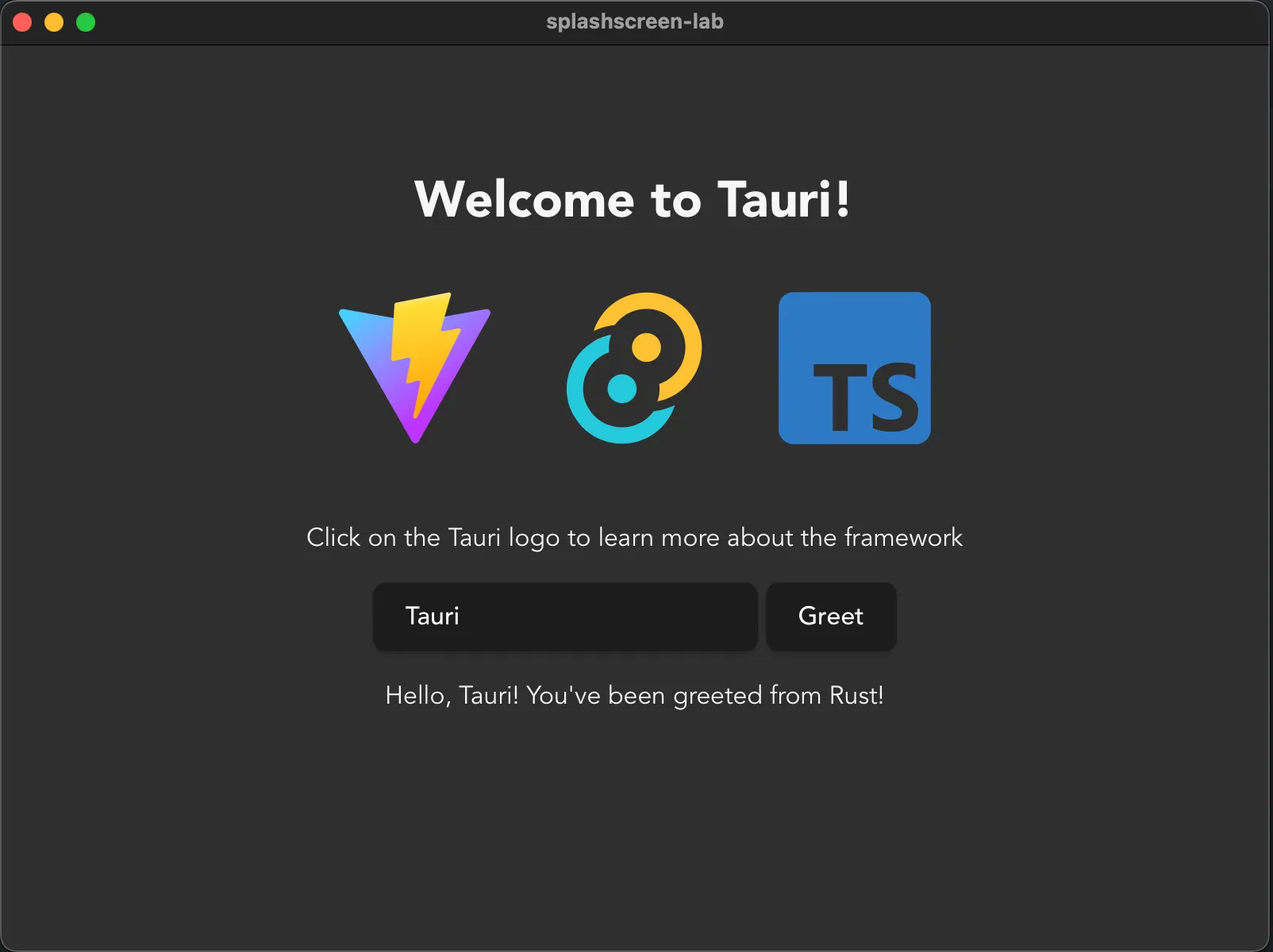
-
在
Section titled “在 tauri.conf.json 中注册新窗口”tauri.conf.json中注册新窗口添加新窗口的最简单方法是直接将它们添加到
tauri.conf.json。你也可以在启动时动态创建它们,但为了简单起见,我们还是直接注册它们。确保你有一个标签为main的窗口被创建为隐藏窗口,以及一个标签为splashscreen的窗口被创建为直接显示的窗口。其他选项可以保持默认,或者根据个人偏好进行调整。src-tauri/tauri.conf.json {"windows": [{"label": "main","visible": false},{"label": "splashscreen","url": "/splashscreen"}]} -
创建一个新页面来托管你的启动屏
Section titled “创建一个新页面来托管你的启动屏”在开始之前,你需要有一些内容可以展示。你如何开发新页面取决于你选择的框架,大多数框架都有一个处理页面导航的“路由”概念,在 Tauri 中它应该像平常一样工作,在这种情况下,你只需创建一个新的启动屏页面。或者像我们这里将要做的那样,创建一个新的
splashscreen.html文件来承载内容。这里重要的是你可以导航到
/splashscreenURL,并显示你想要用于启动画面的内容。在这一步之后再尝试运行应用!/splashscreen.html <!doctype html><html lang="en"><head><meta charset="UTF-8" /><link rel="stylesheet" href="/src/styles.css" /><meta name="viewport" content="width=device-width, initial-scale=1.0" /><title>Tauri App</title></head><body><div class="container"><h1>Tauri used Splash!</h1><div class="row"><h5>It was super effective!</h5></div></div></body></html>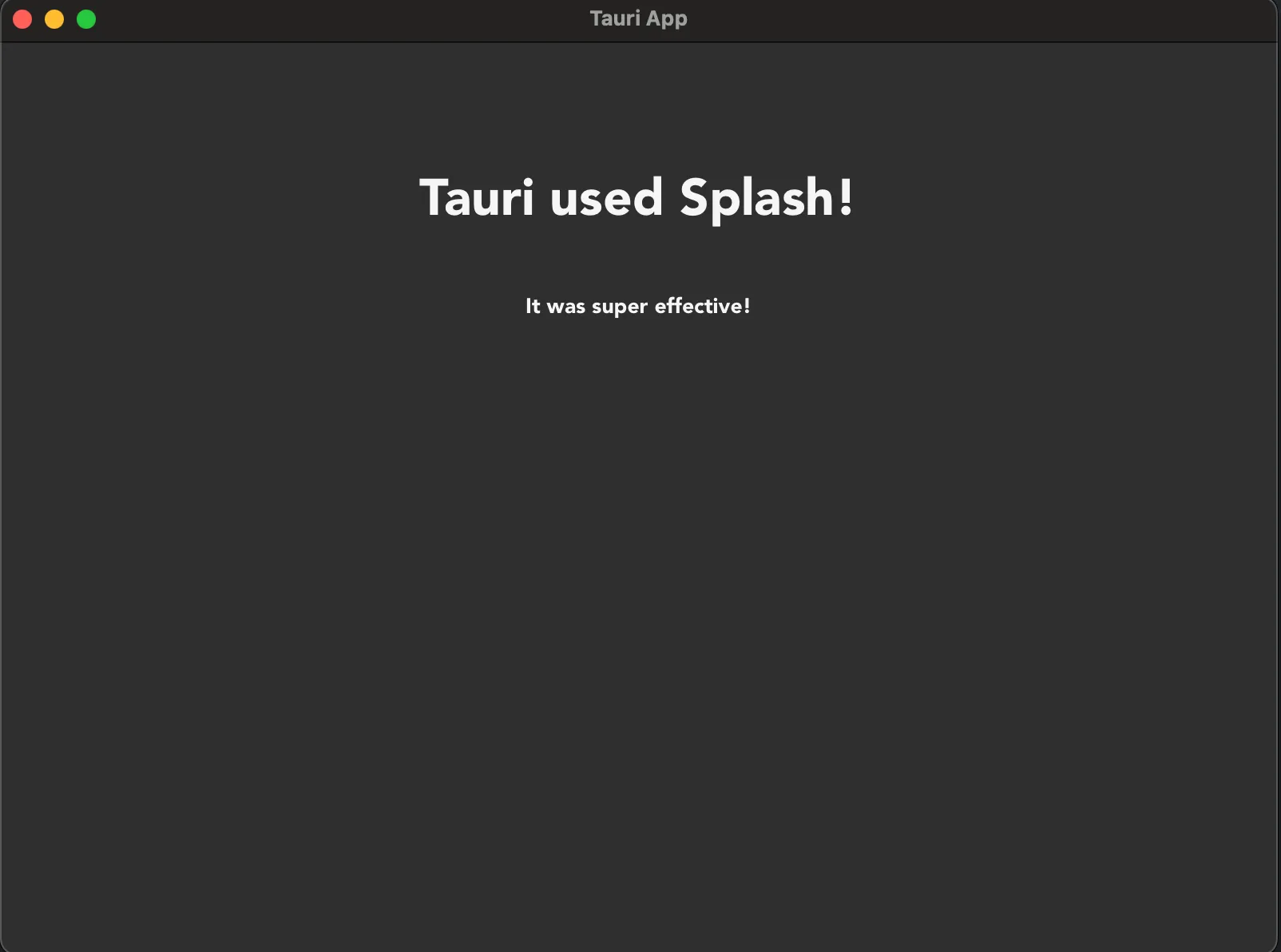
-
开始一些设置任务
Section titled “开始一些设置任务”由于启动屏通常用于隐藏大量初始化相关的任务,让我们假装给应用一些重的任务做,一部分在前端,一部分在后端。
为了在前端伪造复杂的设置,我们将使用一个简单的
setTimeout函数。在后端伪造重操作的最简单方法是使用 Tokio crate,它是 Tauri 在后端用于提供异步运行时的 Rust crate。虽然 Tauri 提供了运行时,但有各种 Tauri 没有重新导出的工具,因此我们需要将该 crate 添加到我们的项目中以访问它们。这在 Rust 生态系统中是完全正常的做法。
不要在异步函数中使用
std::thread::sleep,它们在并发环境中是协作运行的,而不是并行运行的,这意味着如果你让线程休眠而不是让 Tokio 任务休眠,你将锁定所有计划在该线程上运行的任务,从而导致你的应用冻结。# Run this command where the `Cargo.toml` file iscd src-tauri# Add the Tokio cratecargo add tokio -F time# Optionally go back to the top folder to keep developing# `tauri dev` can figure out where to run automaticallycd ..src/main.ts // These contents can be copy-pasted below the existing code, don't replace the entire file!!// Utility function to implement a sleep function in TypeScriptfunction sleep(seconds: number): Promise<void> {return new Promise(resolve => setTimeout(resolve, seconds * 1000));}// Setup functionasync function setup() {// Fake perform some really heavy setup taskconsole.log('Performing really heavy frontend setup task...')await sleep(3);console.log('Frontend setup task complete!')// Set the frontend task as being completedinvoke('set_complete', {task: 'frontend'})}// Effectively a JavaScript main functionwindow.addEventListener("DOMContentLoaded", () => {setup()});/src-tauri/src/lib.rs // Import functionalities we'll be usinguse std::sync::Mutex;use tauri::async_runtime::spawn;use tauri::{AppHandle, Manager, State};use tokio::time::{sleep, Duration};// Create a struct we'll use to track the completion of// setup related tasksstruct SetupState {frontend_task: bool,backend_task: bool,}// Our main entrypoint in a version 2 mobile compatible app#[cfg_attr(mobile, tauri::mobile_entry_point)]pub fn run() {// Don't write code before Tauri starts, write it in the// setup hook instead!tauri::Builder::default()// Register a `State` to be managed by Tauri// We need write access to it so we wrap it in a `Mutex`.manage(Mutex::new(SetupState {frontend_task: false,backend_task: false,}))// Add a command we can use to check.invoke_handler(tauri::generate_handler![greet, set_complete])// Use the setup hook to execute setup related tasks// Runs before the main loop, so no windows are yet created.setup(|app| {// Spawn setup as a non-blocking task so the windows can be// created and ran while it executesspawn(setup(app.handle().clone()));// The hook expects an Ok resultOk(())})// Run the app.run(tauri::generate_context!()).expect("error while running tauri application");}#[tauri::command]fn greet(name: String) -> String {format!("Hello {name} from Rust!")}// A custom task for setting the state of a setup task#[tauri::command]async fn set_complete(app: AppHandle,state: State<'_, Mutex<SetupState>>,task: String,) -> Result<(), ()> {// Lock the state without write accesslet mut state_lock = state.lock().unwrap();match task.as_str() {"frontend" => state_lock.frontend_task = true,"backend" => state_lock.backend_task = true,_ => panic!("invalid task completed!"),}// Check if both tasks are completedif state_lock.backend_task && state_lock.frontend_task {// Setup is complete, we can close the splashscreen// and unhide the main window!let splash_window = app.get_webview_window("splashscreen").unwrap();let main_window = app.get_webview_window("main").unwrap();splash_window.close().unwrap();main_window.show().unwrap();}Ok(())}// An async function that does some heavy setup taskasync fn setup(app: AppHandle) -> Result<(), ()> {// Fake performing some heavy action for 3 secondsprintln!("Performing really heavy backend setup task...");sleep(Duration::from_secs(3)).await;println!("Backend setup task completed!");// Set the backend task as being completed// Commands can be ran as regular functions as long as you take// care of the input arguments yourselfset_complete(app.clone(),app.state::<Mutex<SetupState>>(),"backend".to_string(),).await?;Ok(())} -
你现在应该会看到一个启动画面窗口弹出,前端和后端都会执行各自耗时约 3 秒的初始化任务,之后启动画面会消失,主窗口会显示出来!
🌐 Discuss
你应该有一个启动画面吗?
Section titled “你应该有一个启动画面吗?”🌐 Should you have a splashscreen?
一般来说,拥有启动画面意味着一种失败的承认,即你无法让你的应用加载得足够快而不需要它。事实上,更好的做法往往是直接进入主窗口,然后在某个角落显示一个小转圈,告知用户后台仍有一些设置任务正在进行。
🌐 In general having a splashscreen is an admittance of defeat that you couldn’t make your app load fast enough to not need one. In fact it tends to be better to just go straight to a main window that then shows some little spinner somewhere in a corner informing the user there’s still setup tasks happening in the background.
然而,话虽如此,使用启动画面可以是一种你想要的风格选择,或者你可能有一些非常特殊的要求,导致在执行某些任务之前无法启动应用。拥有启动画面绝对不是错误,只是通常不是必要的,而且可能会让用户感觉应用优化得不够好。
🌐 However, with that said, it can be a stylistic choice that you want to have a splashscreen, or you might have some very particular requirement that makes it impossible to start the app until some tasks are performed. It’s definitely not wrong to have a splashscreen, it just tends to not be necessary and can make users feel like the app isn’t very well optimized.
Tauri 中文网 - 粤ICP备13048890号
Nodejs.cn 旗下网站